Brother FAX-1575mc ч.3 инструкция по эксплуатации
Инструкция по эксплуатации на русском языке предназначена для владельцев Brother FAX-1575mc ч.3. В PDF-документе подробно описаны особенности устройства, его функции и основные правила эксплуатации. Перед тем как начать пользоваться техникой, рекомендуем внимательно ознакомиться с содержанием руководства.
Наш проект MaxPoints позволяет изучать инструкцию без использования какого-либо дополнительного программного обеспечения. С PDF-версией документа вы можете ознакомиться ниже, воспользовавшись постраничной навигацией или оглавлением.
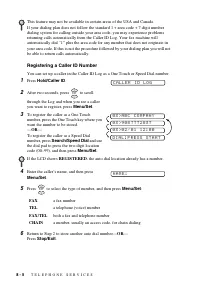
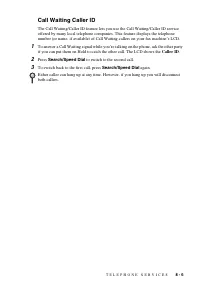
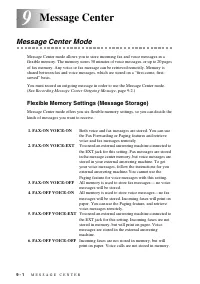
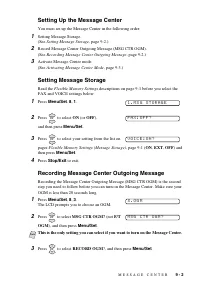
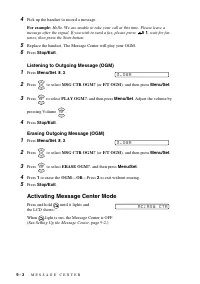
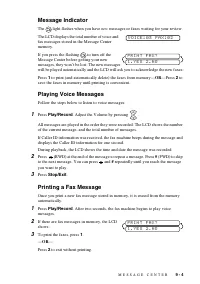
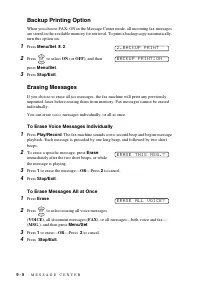
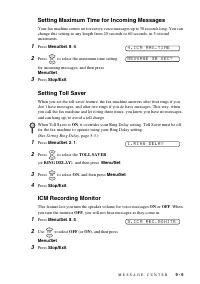

A U T O D I A L N U M B E R S A N D D I A L I N G O P T I O N S
7 - 3
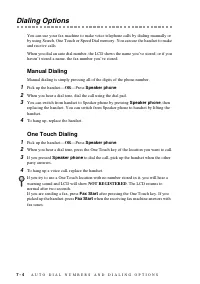
Changing One Touch and Speed Dial Numbers
If you try to store a One Touch or Speed Dial number in a location where a number is
already stored, the LCD shows the current name or number stored there, then prompts
you to either
1. CHANGE
—
OR
—
2. EXIT.
1
Press
1
to change the number stored, or press
2
to exit without making a change.
2
Enter a new number.
•
If you want to erase the whole number or whole name, press
Stop/Exit
when
the cursor is to the left of the characters. The characters above and to the right
of the cursor are deleted.
•
If you want to change a character, use
or
to position the cursor under the
character you want to change, and then type over it.
3
Follow the instructions beginning at Step 3 in
Storing One Touch Numbers
or
Storing
Speed Dial Numbers
.
Setting Up Groups for Broadcasting
Groups allow you to send the same fax message to many fax numbers by pressing only
one One Touch key (Broadcasting).
Each Group uses up a One Touch key so you must
save a key for each Group
.
First
, you’ll need to store each fax number as a One Touch
or Speed Dial number.
Then
, you can combine them into a Group.
Finally
, you can have
up to six small Groups, or you can assign up to 111 numbers to one large Group. (See
Storing One Touch Dial Numbers
, page 7-2 and
1
Press
Menu/Set
,
6
,
3
.
2
Select the One Touch key where you wish to
store the number. (For example, press One
Touch key
3
to store a Group.)
3
Use the dial pad to identify the Group with a
number, and then press
Menu/Set
.
(For example, press
1
for Group 1.)
4
To include One Touch or Speed Dial numbers in
the Group, enter them as if you were dialing. For
example, for One Touch key 4, press One Touch key
4
. For Speed Dial location 09, press
Search/Speed Dial
, and then press
0
,
9
on the dial pad. The LCD shows
04
#
09
.
5
Press
Menu/Set
to accept the numbers for this Group.
6
Use the dial pad to enter a name for the Group,
and then press
Menu/Set
. (For example, NEW CLIENTS)
(See
7
Press
Stop/Exit
.
You can print a list of all One Touch and Speed Dial numbers.
(See
3 . S E T U P G R O U P S
S E L E C T O N E - T O U C H
S E T U P G R O U P : G O
G 0 1 : * O 4 # O 9
N A M E :