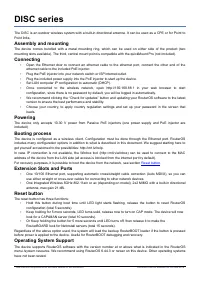
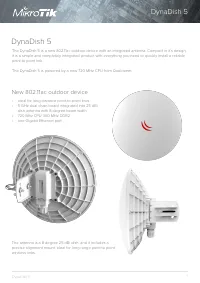
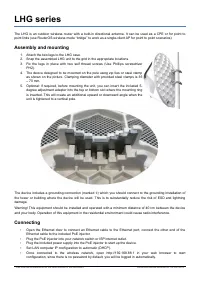
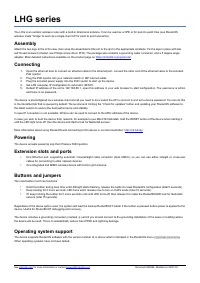
Mikrotik LDF 5 ac (RBLDFG-5acD) инструкция по эксплуатации
Инструкция по эксплуатации на русском языке предназначена для владельцев Mikrotik LDF 5 ac (RBLDFG-5acD). В PDF-документе подробно описаны особенности устройства, его функции и основные правила эксплуатации. Перед тем как начать пользоваться техникой, рекомендуем внимательно ознакомиться с содержанием руководства.
Наш проект MaxPoints позволяет изучать инструкцию без использования какого-либо дополнительного программного обеспечения. С PDF-версией документа вы можете ознакомиться ниже, воспользовавшись постраничной навигацией или оглавлением.
LDF 5, LDF 5 ac
The LDF (Lite dish feed) is an outdoor wireless system with a built-in antenna, meant to be installed on satellite
offset dish antennas.
Assembly
The device is compatible with standard offset dishes, commonly used for satellite television. The offset mount is
universal at 40 mm diameter, and the LDF can easily be placed inside it. To attach the Ethernet cable to the LDF
unit, follow these steps:
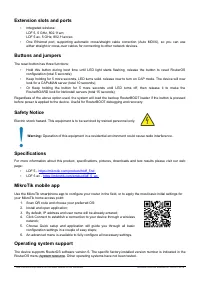
1. Assemble all components as shown in the illustration. If using pre-made cables, cut the rubber seal on one
side, to put it onto the cable. Self crimped cables should be crimped after the seal is on the cable;
2. Connect Ethernet cable to Ethernet connector on LDF;
3. Attach Housing nut to LDF body by rotating clockwise;
4. Slide rubber seal into housing nut, then close the waterproof gland by turning compression nut clockwise.
Assembling on dish
Please ensure to mount the LDF unit on the offset mount in the proper position as shown in the picture to the right.
Unit facing upwards to the dish.
The dish will act as a reflector, amplifying the signal. The final position of your assembly should be placed and
installed on the pole or wall as shown on the picture to the left.
See mikrotik.com/products for the latest version of this document.
Document #52844 Modified on: 24.OCT.2019