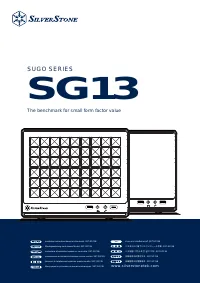
SilverStone DS380 инструкция по эксплуатации
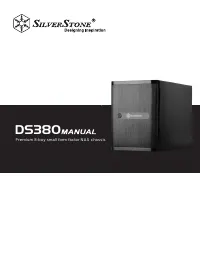
Инструкция по эксплуатации на русском языке предназначена для владельцев SilverStone DS380. В PDF-документе подробно описаны особенности устройства, его функции и основные правила эксплуатации. Перед тем как начать пользоваться техникой, рекомендуем внимательно ознакомиться с содержанием руководства.
Наш проект MaxPoints позволяет изучать инструкцию без использования какого-либо дополнительного программного обеспечения. С PDF-версией документа вы можете ознакомиться ниже, воспользовавшись постраничной навигацией или оглавлением.
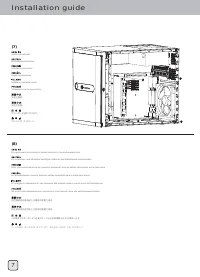
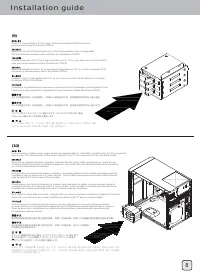
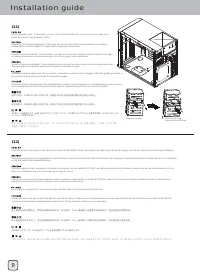
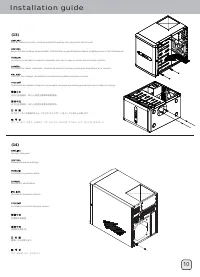

Содержание:
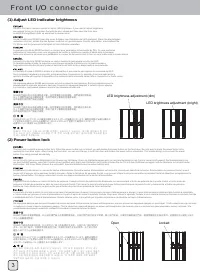
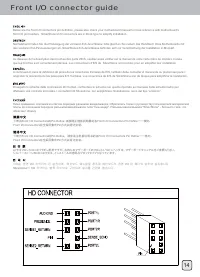
- стр. 4 – Front I/O connector guide; Open
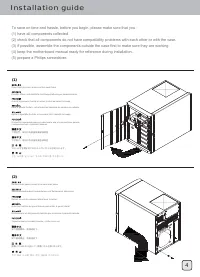
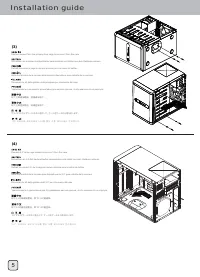
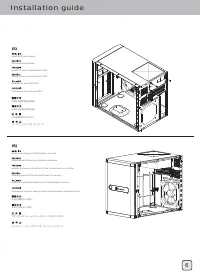
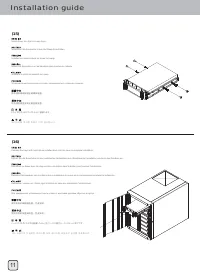
- стр. 5 – Installation guide
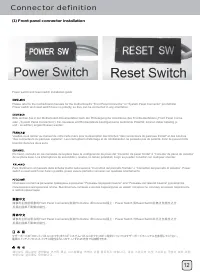
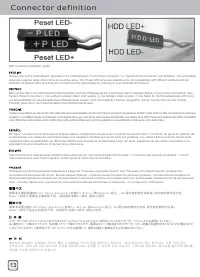
- стр. 13 – Connector definition
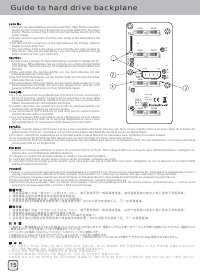
- стр. 16 – Guide to hard drive backplane
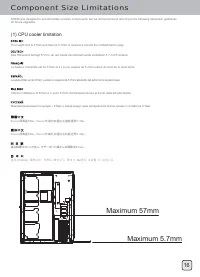
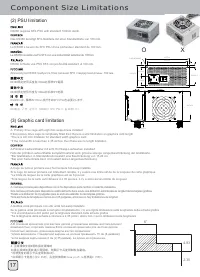
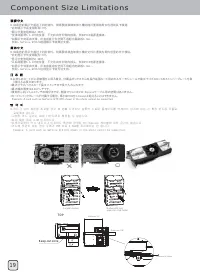
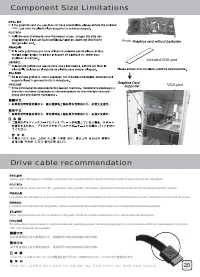
- стр. 17 – Component Size Limitations
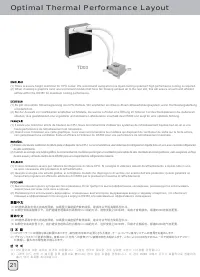
- стр. 22 – Optimal Thermal Performance Layout
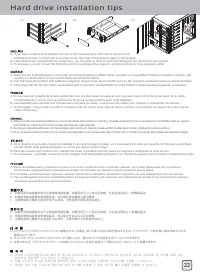
- стр. 23 – Hard drive installation tips
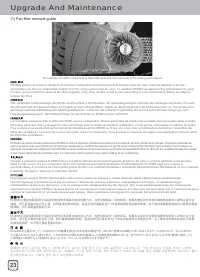
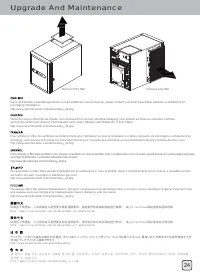
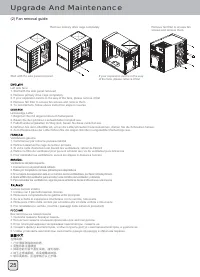
- стр. 24 – Upgrade And Maintenance
- стр. 28 – Protect your computer
DS380
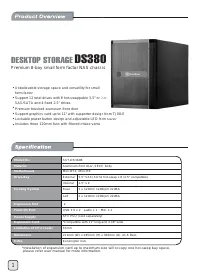
Premium 8-bay small form factor NAS chassis
Была ли эта инструкция полезной?
Об этой инструкции
- Бренд
- SilverStone
- Модель
- DS380
- Тип документа
- Инструкция по эксплуатации
- Категория
- Корпус к ПК
- Язык(и)
- Русский
- Страницы
- 32
- Размер файла
- 4,7 MB
- Формат
Сводка
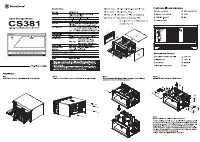
Front I/O connector guide (1) Adjust LED indicator brightness LED brightness adjustment (dim) Open Locked LED brightness adjustment (bright) DS380’s front door contains a slider to adjust LED brightness. If you need to adjust brightness, we suggest turning on the system first with the door closed an...
Installation guide (1) Open front door and remove all hot-swap trays To save on time and hassle, before you begin, please make sure that you :(1) have all components collected. (2) check that all components do not have compatibility problems with each other or with the case.(3) if possible, assemble...
Connector definition (1) Front panel connector installation Power switch and reset switch installation guide: Please refer to the motherboard manuals for the motherboard’s “Front Panel Connector” or “System Panel Connector” pin definitioPower switch and reset switch have no polarity, so they can be ...