Инструкции к модели Tefal X-plorer Serie 80 RG7765WH
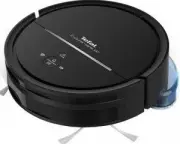
Инструкция по эксплуатации, Инструкция для Tefal X-plorer Serie 80 RG7765WH на русском языке в PDF.
Инструкции:
Инструкция по эксплуатации Tefal X-plorer Serie 80 RG7765WH


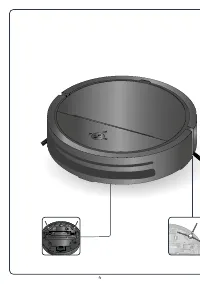
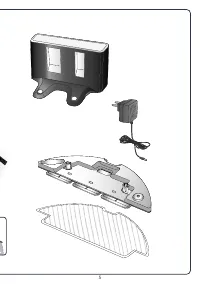
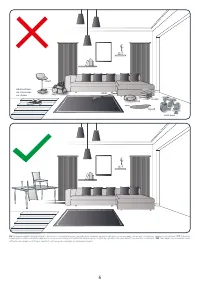
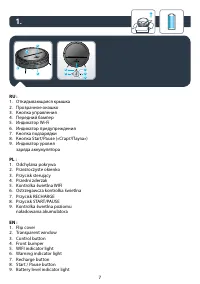
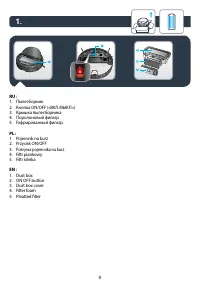



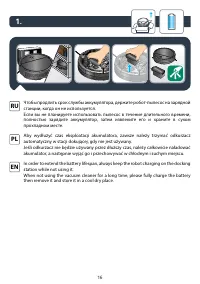
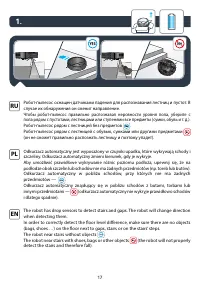
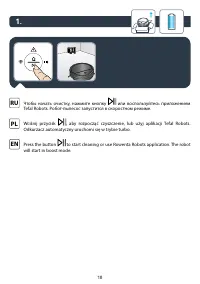
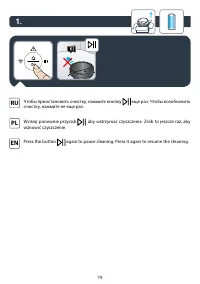





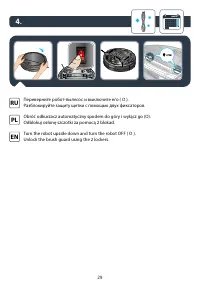
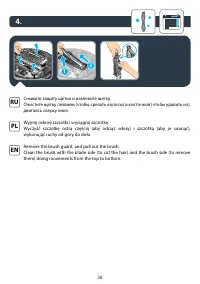

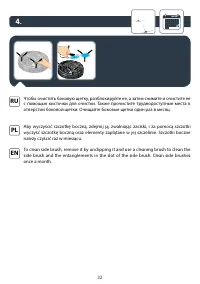
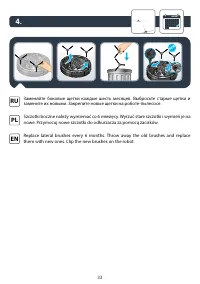









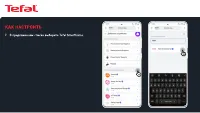
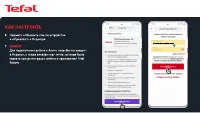
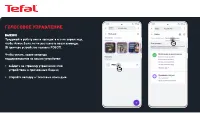
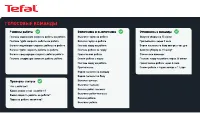

Сводка
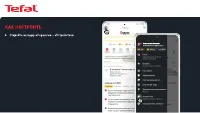
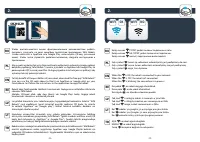
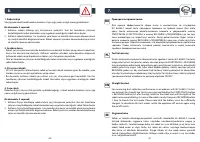
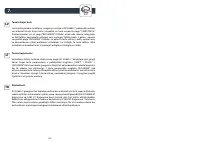
Как настроить 1. Tefal Robots Скачайте приложение из Google Play Store или Apple App Store. 2. Создайте аккаунт, выберите модель вашего робота, и осуществите соединение робота с Wi-Fi. 3. Яндекс Скачайте приложение из Google Play Store или Apple App Store.
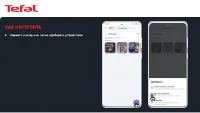
Как настроить 8. Нажмите «Обновить список устройств» и «Привязать к Яндексу». 9. Для подключения робота к Алисе потребуется аккаунт в Яндексе, а также электронная почта, которая была указана при регистрации робота в приложении Tefal Robots. ВАЖНО! AnastasiyaIvanova@yandex.ru
Голосовое управление ВАЖНО!Придумайте роботу имя и напишите его на кириллице, чтобы Алисе было легче распознать ваши команды. (В примере устройство названо РОБОТ). Чтобы узнать, какие команды поддерживаются на вашем устройстве: • зайдите на страницу управления этим устройством в приложении Яндекс; •...
Инструкция Tefal X-plorer Serie 80 RG7765WH

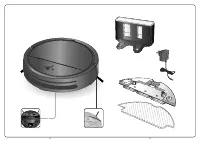
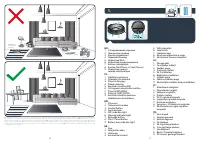


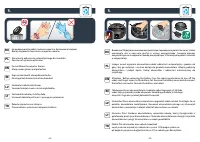
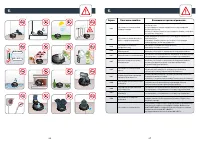
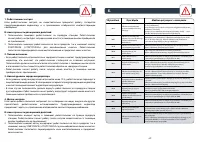
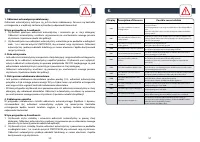

Сводка
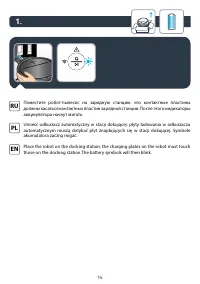
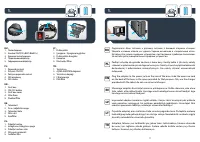
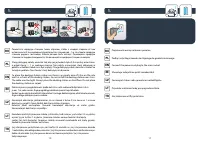
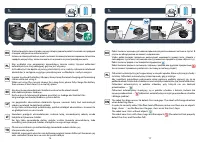
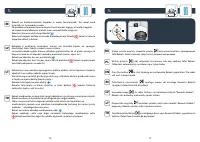
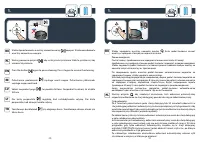
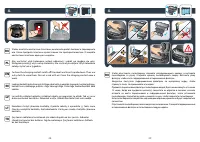
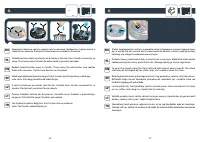
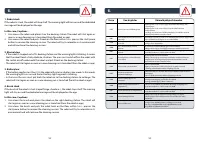
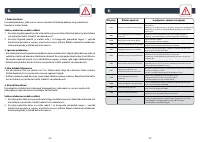
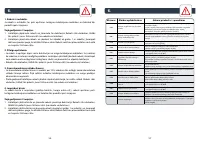
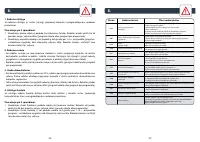
14 15 EN Place the robot on the docking station: the charging plates on the robot must touch those on the docking station.The battery symbols will then blink. EE Asetage robot dokkimisjaama: robotil olevad laadimisplaadid peavad puutuma kokku dokkimisjaama omadega. Akusümbolid hakkavad seejärel vilk...
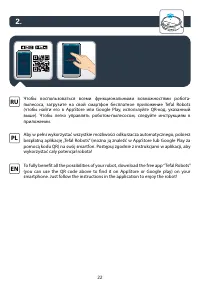
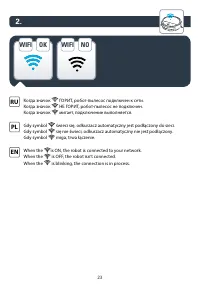
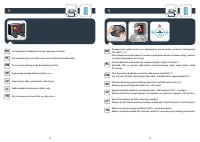
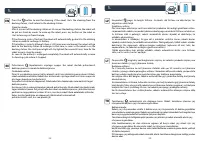
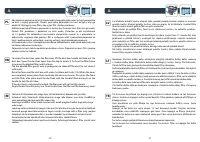
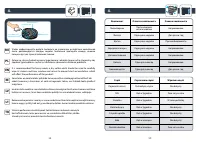
24 25 2. To fully benefit all the possibilities of your robot, download the free app “Tefal Robots” (you can use the QR code above to find it on AppStore or Google play) on your smartphone. Just follow the instructions in the application to enjoy the robot! EN Roboti kõigi funktsioonide täielikuks k...
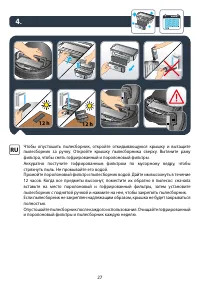
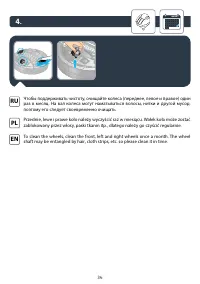
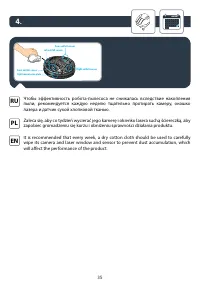
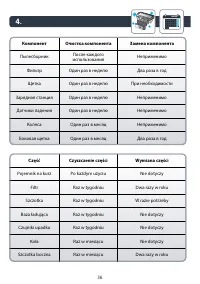
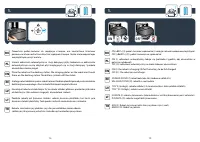
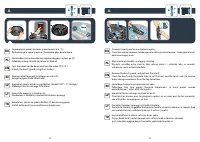
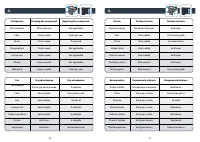
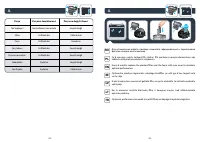
28 29 4. month To clean the charging contact switch off the robot and turn it upside down. Then use a dry cloth to wipe them. Do not scrub with oil. Clean the charging contact once a week. EN Laadimiskontakti puhastamiseks lülitage robot välja ja pöörake tagurpidi. Seejärel pühkige kontakt kuiva rii...
Tefal Роботы-пылесосы Инструкции
-
 Tefal RG7375WH
Инструкция по эксплуатации
Tefal RG7375WH
Инструкция по эксплуатации
-
 Tefal RG8021RH Smart Force Cyclonic Connect
Инструкция по эксплуатации
Tefal RG8021RH Smart Force Cyclonic Connect
Инструкция по эксплуатации
-
 Tefal Smart Force X-plorer RG6825WH
Инструкция по эксплуатации
Tefal Smart Force X-plorer RG6825WH
Инструкция по эксплуатации
-
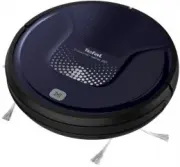 Tefal X-plorer Serie 20 RG6871WH
Инструкция по эксплуатации
Tefal X-plorer Serie 20 RG6871WH
Инструкция по эксплуатации
-
Tefal X-plorer Serie 20 RG6871WH
Инструкция
-
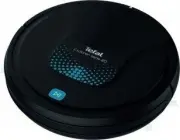 Tefal X-Plorer Serie 20 RG6875WH
Инструкция по эксплуатации
Tefal X-Plorer Serie 20 RG6875WH
Инструкция по эксплуатации
-
Tefal X-Plorer Serie 20 RG6875WH
Инструкция
-
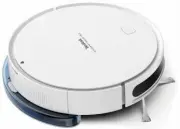 Tefal X-Plorer Serie 40 RG7267WH
Инструкция по эксплуатации
Tefal X-Plorer Serie 40 RG7267WH
Инструкция по эксплуатации
-
Tefal X-Plorer Serie 40 RG7267WH
Инструкция
-
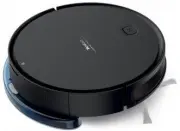 Tefal X-Plorer Serie 40 RG7275WH
Инструкция по эксплуатации
Tefal X-Plorer Serie 40 RG7275WH
Инструкция по эксплуатации
-
Tefal X-Plorer Serie 40 RG7275WH
Инструкция
-
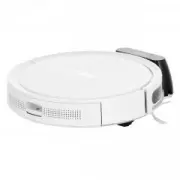 Tefal X-Plorer Serie 50 RG7387WH
Инструкция по эксплуатации
Tefal X-Plorer Serie 50 RG7387WH
Инструкция по эксплуатации
-
Tefal X-Plorer Serie 50 RG7387WH
Инструкция
-
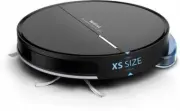 Tefal X-plorer Serie 60 (RG7455WH)
Инструкция по эксплуатации
Tefal X-plorer Serie 60 (RG7455WH)
Инструкция по эксплуатации
-
Tefal X-plorer Serie 60 (RG7455WH)
Инструкция
-
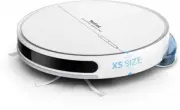 Tefal X-plorer Serie 60 Allergy Kit (RG7447WH)
Инструкция по эксплуатации
Tefal X-plorer Serie 60 Allergy Kit (RG7447WH)
Инструкция по эксплуатации
-
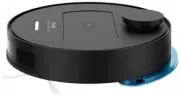 Tefal X-Plorer Serie 75 Animal RG7675WH
Инструкция по эксплуатации
Tefal X-Plorer Serie 75 Animal RG7675WH
Инструкция по эксплуатации
-
Tefal X-Plorer Serie 75 Animal RG7675WH
Инструкция
-
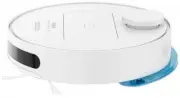 Tefal X-Plorer Serie 75 Total Care RG7687WH
Инструкция по эксплуатации
Tefal X-Plorer Serie 75 Total Care RG7687WH
Инструкция по эксплуатации
-
Tefal X-Plorer Serie 75 Total Care RG7687WH
Инструкция